

Server Transfers
How to transfer your server to another person!
Why?
On paper you might be wondering why would I need to go through a process to transfer my server, If it changed hands either by sale or just a change of ownership then I can just give that person the login details to the billing account right? No not really, if you do it this way you'll run into problems in the future, for security reasons we only take requests from the billing account owner and if the new person who owns the server is not the billing account owner or you cannot contact the original billing account owner than we may not be able to take requests from you.
How do I transfer my server?
Thankfully server transfers are fairly painless, these steps will outline what you need to do:
Create a ticket in the billing area
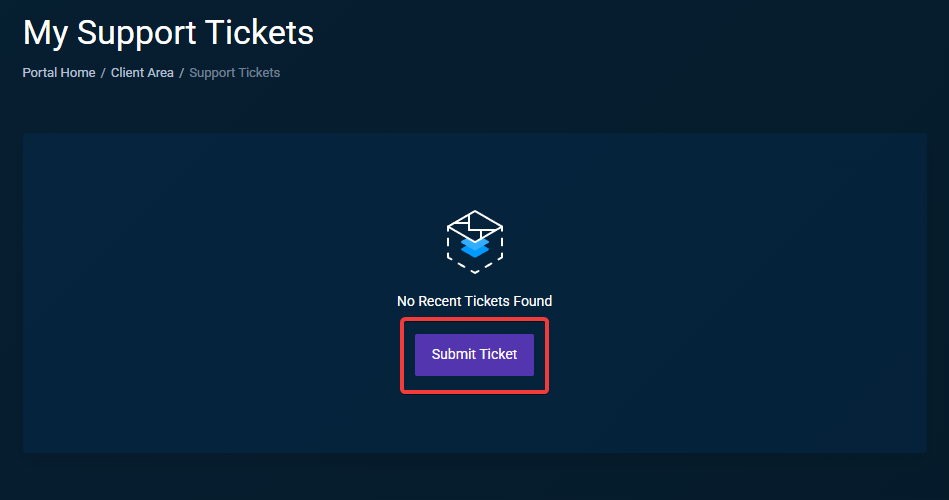
Go to the support tickets section of the billing area and click Submit ticket
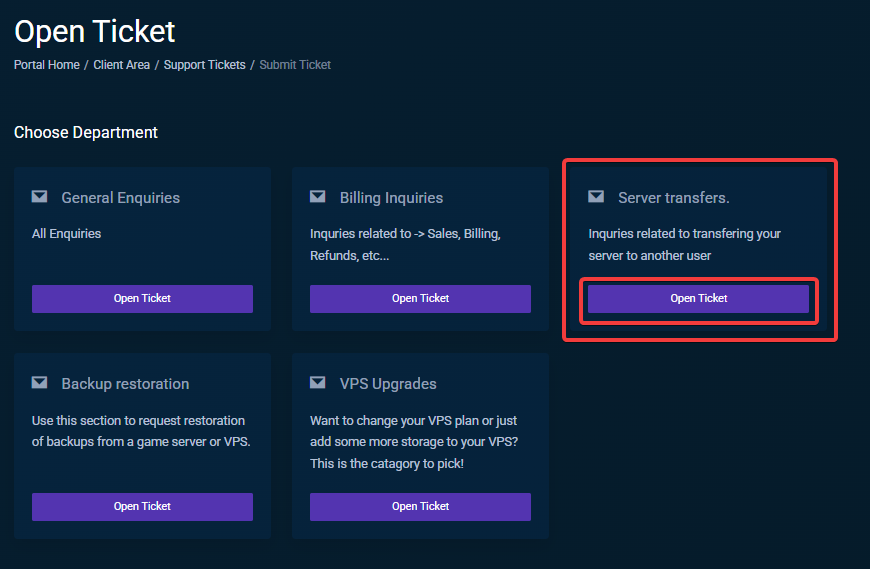
Select the right category
This section is important (at least for our staff) please select the Billing inquiries department!
Give us the following details (please)
- Name of the person you would like to transfer your service to:
- Their email address:
- Consent Acknowledgement:
You're done! Time to wait
Once the ticket has been opened we will perform rudimentary checks to ensure the person who opened the ticket is the rightful owner of the account, once we've confirmed this we'll confirm with you one last that you want to do this transfer and then we'll effectuate it.